 Droplert
Why track Flipkart prices
A Flipkart product page always looks like a deal. There is a struck-out MRP, a green percentage, and often a "Super Deals" or "Lowest price" tag. None of that tells you whether the price was lower last week, or whether it will be lower next week.
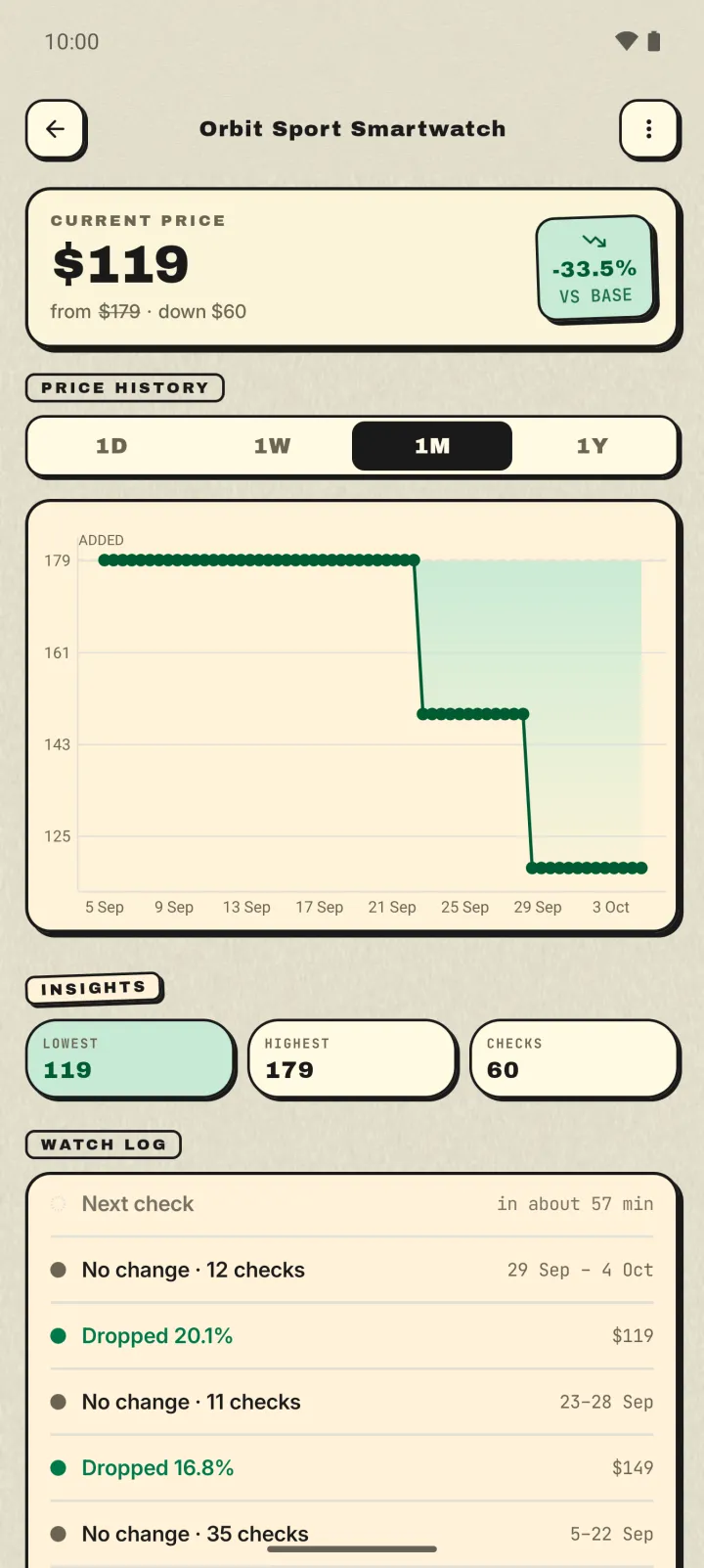
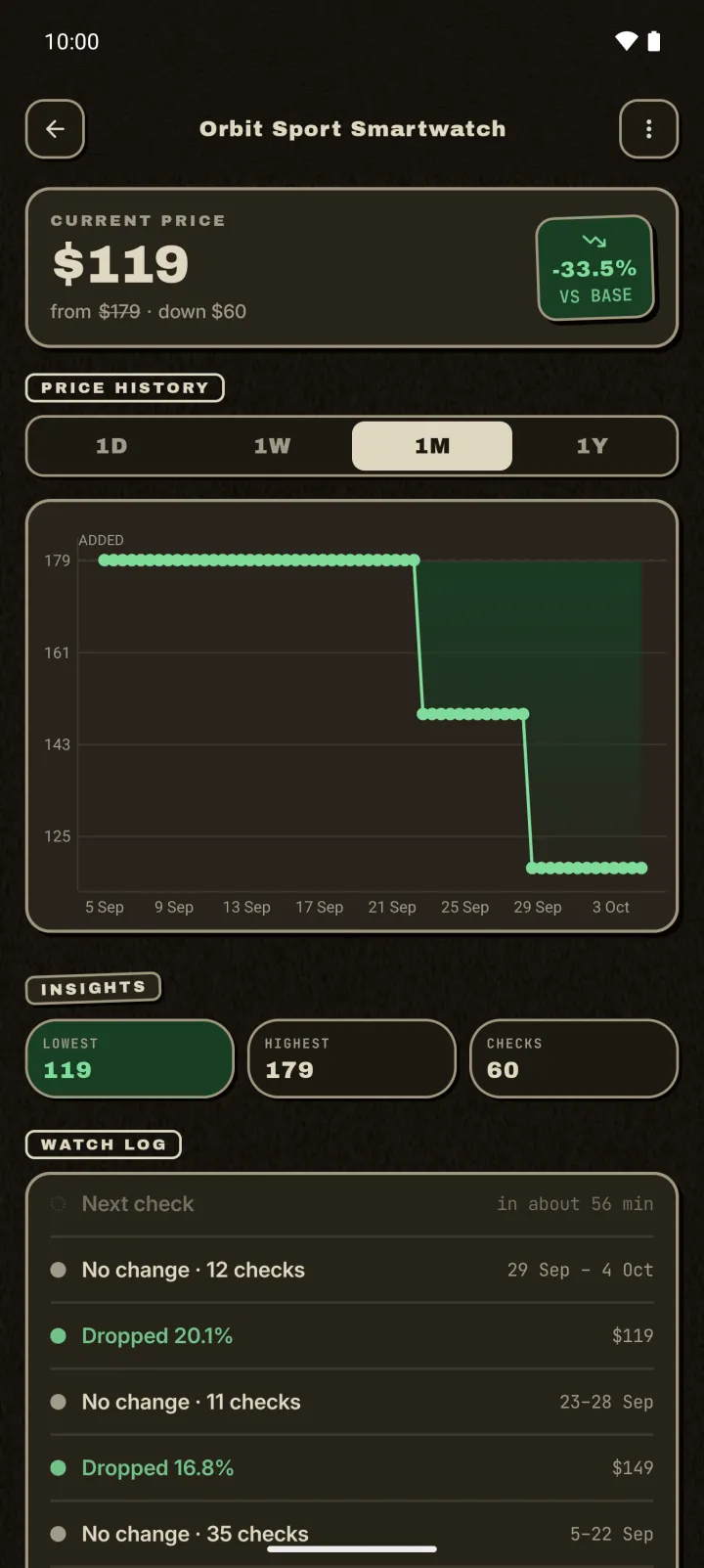
A price tracker answers that. It checks the product on a schedule, saves every price it sees, and notifies you when the price drops or reaches the number you want to pay. You get a price history for the exact item, without opening Flipkart every day.
Set up a Flipkart price drop alert
- Open the product in the Flipkart app or in Chrome. Choose the colour, storage or size you want first. On phones and laptops, the 128 GB and 256 GB versions can be very different prices.
- Tap Share, then Droplert. In the Flipkart app the share button is on the product page. You can also copy the link and paste it into Droplert.
- Tap the price you would pay. Droplert opens the page, remembers where that price sits, and shows you what it found. Check it matches the option you chose, then tap Track it.
- Pick a check schedule and an optional target. Each product gets its own schedule, from hourly to weekly, so a phone you want this week can be checked more often than a mixer you want someday.
Which Flipkart price should you track?
A single Flipkart product page can show a dozen rupee amounts. Only one is the price of the item you are looking at.
The selling price, not the MRP
The large price next to the discount percentage is what Flipkart is charging today. The smaller struck-out number is the MRP. Tap the large one.
"Buy at" and bank offer prices
Flipkart often shows a lower "Buy at ₹…" figure underneath, worked out with a card offer, a cashback or a coupon. You only get that price if you pay with that bank's card or unlock that coupon. Bank offers, SuperCoins and coupons are applied at checkout, and a tracker sees the page price. Track the selling price, then do the bank offer sum yourself when the alert arrives.
Fees shown next to the price
Some listings add a small fee line, such as a protection or handling fee, beside the price. It is shown separately and isn't part of the number you tapped, so a fee change won't show up as a price change.
Ads and similar products
Flipkart pages are full of other products: sponsored cards marked "AD" at the top, "Similar Products" further down, each with its own price. Some of them are close variants of the same product at a lower price. Tap the price in the product's own section, next to its title and rating, not a card above or below it.
Colour and storage options
Each option is its own listing with its own price, and some options go out of stock while others don't. Choose the option before you share. When Droplert opens the page, the price it confirms should be the one for your option.
Using a tracker for Big Billion Days
The Big Billion Days sale usually runs in late September or early October, before Diwali, and Flipkart Plus and Black members often get early access. It is the week when tracking is most useful, because sale prices and bank offers change quickly, and "lowest price" banners are everywhere.
- Add products two or three weeks early. You'll have a baseline. If the sale price is the same as an ordinary price from two weeks ago, you'll see it.
- Switch to hourly checks for the sale days. Prices can change at midnight and again during the day. You can set a slower schedule again afterwards.
- Set your target before the sale starts. Decide what you'd pay while you're calm, not while a countdown timer is running.
Rupees, lakh grouping and mixing stores
Flipkart writes big prices the Indian way: ₹1,24,999 rather than ₹124,999. Droplert reads lakh grouping correctly, so a laptop at ₹1,04,990 shows up as one lakh four thousand, not as a broken number.
Your watchlist isn't limited to Flipkart. You can track the same phone on Flipkart and on Amazon.in side by side, and see which store drops first.
When a Flipkart check fails
Flipkart sometimes changes its page layout or shows a page that doesn't load the price. When a check can't read the price, Droplert flags the product and tries again on the next run, so it doesn't silently stop. If one product keeps failing, open it in Droplert and tap the price again. Droplert re-learns where the price sits.
If that doesn't fix it, email the product link to support@droplert.app.
Droplert vs Buyhatke
Buyhatke is a well-known Indian price tracker. Its browser extension shows price history on Flipkart and Amazon product pages, and it is good at that. The two tools suit different habits:
| Best for | Trade-off | |
|---|---|---|
| Buyhatke | Seeing past price history on the page while you browse in a desktop browser | Built around the browser extension. Also offers coupons and shopping features you may not want |
| Droplert | Alerts on your phone for Flipkart, Amazon.in and other stores in one list, no account | History starts when you start tracking a product |
For what a product cost months ago, an extension answers faster. For a phone alert when today's price falls, set Droplert once.
Questions
Is Droplert free?
Yes. The free plan tracks up to 5 products with hourly checks and keeps 30 days of history. An optional upgrade gives unlimited products, checks as often as every 15 minutes, and a year of history.
Does it apply bank offers or SuperCoins?
No. Droplert tracks the price shown on the product page. Bank offers, SuperCoins and coupons are applied by Flipkart at checkout.
Can I see Flipkart price history from before I started?
No. Droplert's history begins with its first check. Add products early, especially before a big sale.
Do I need to log in to Flipkart?
No. Droplert doesn't sign in to Flipkart and doesn't need its own account. Your list stays on your phone, and you can back it up to a file.
Is there an iPhone version?
No. Droplert is Android only, on Android 10 and newer.